K Store Campaign Update Course
An interactive e-learning course built end-to-end in Articulate Rise — covering campaign updates, promo codes, BNPL payment changes, and shipping SLA revisions for tenured K Store agents.
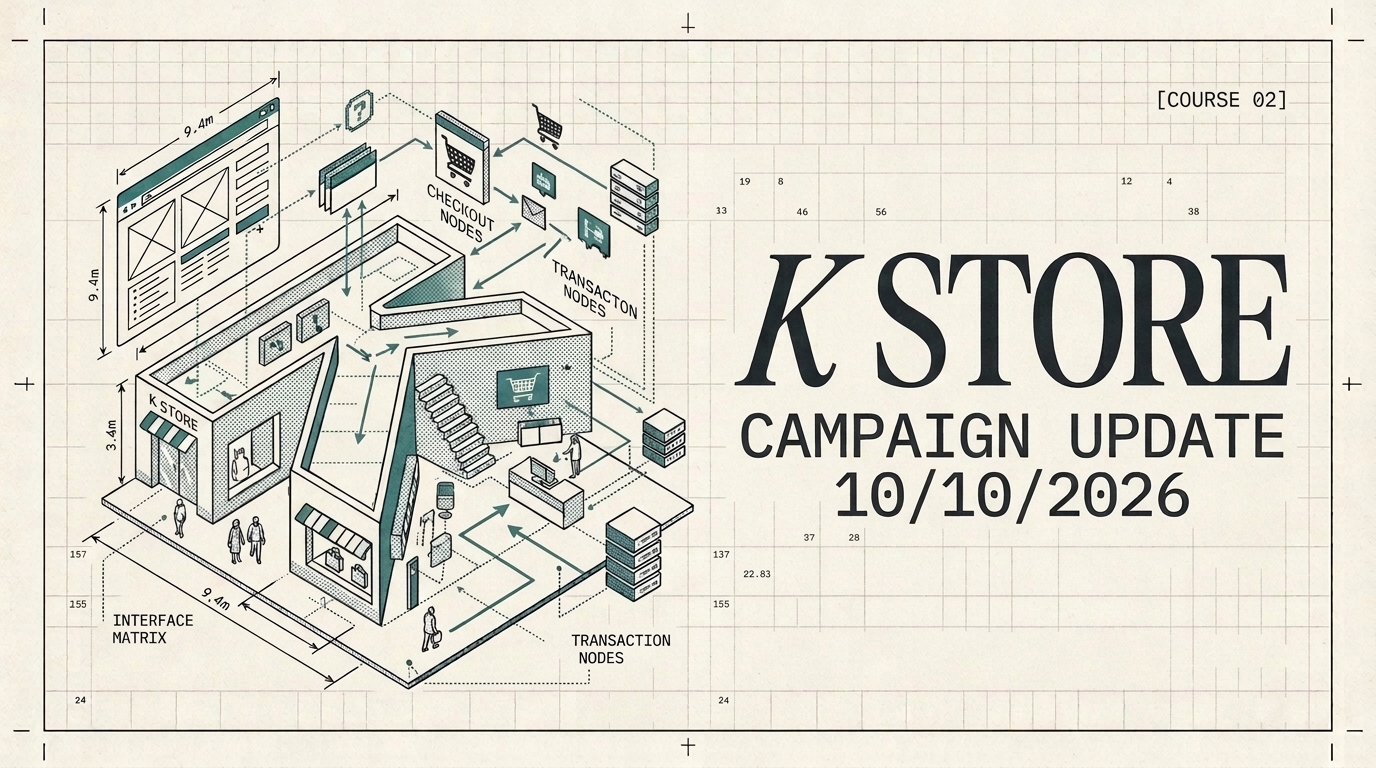
Tools used
- Articulate Rise — course authoring and SCORM packaging
- Google Apps Script — webhook to receive AI Tutor scores
- Google Sheets — central score repository (Quiz Tab + Roleplay Tab)
- Render.com — hosting for the AI Tutor roleplay assessment
Creative process
1. Define the learning objective
The audience was tenured agents — not new hires — so the course needed to feel like an operational briefing, not a tutorial. The goal: agents can correctly handle promo codes, BNPL escalations, and updated delivery SLAs by end of session.
2. Design the four-section architecture
- Section 1 — Campaign video walkthrough (embedded)
- Section 2 — Emphasis blocks + knowledge check quiz
- Section 3 — AI roleplay assessment (DeepSeek-powered)
- Section 4 — Final scored confirmation
Each section feeds into the next, progressively building confidence before the graded stage.
3. Build in Articulate Rise
Rise was chosen for its mobile-first layout and clean block structure — ideal for agents accessing training on different devices. Blocks were arranged to mirror a real agent shift: briefing → knowledge check → practice → proof.
4. Embed the campaign video
The Course 02 video (K Store Campaign Update) was embedded in Section 1 so agents could watch the briefing and immediately apply it in the quiz and roleplay that followed.
5. Design the scored knowledge check
Five questions covering the exact scenarios agents encounter:
- Promo code rules (KSTORE30 / FLASH15 / NEWUSER10)
- Delivery SLAs (standard 5–7 days / express 2–3 days)
- BNPL escalation SLA (24 hours)
- BNPL department routing (Finance)
- SLA pushback handling (volume-driven reason)
Wrong answers surface immediate feedback tied to policy.
6. Integrate the AI Tutor via Render.com
The Rise exit button passes the agent’s name via URL parameter to the AI Tutor on Render, which runs a live DeepSeek-powered roleplay session. Scores are automatically POSTed to a Google Apps Script webhook, writing to Google Sheets in real time.